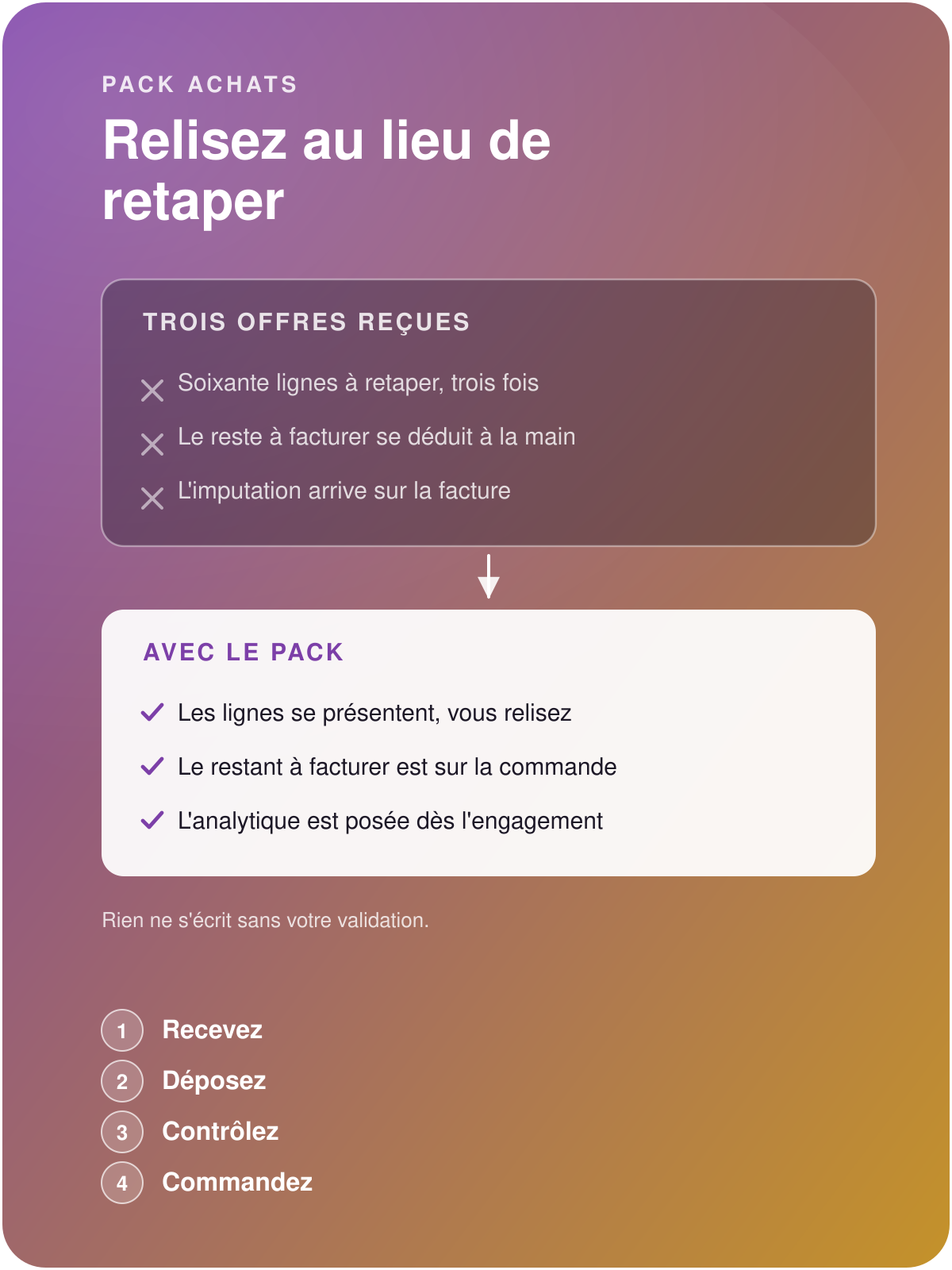

Purchasing pack without re-keying
Let the supplier quotation enter by itself,
keep control over what gets written
Drop your supplier's PDF quotation: its lines appear priced, ready to be reread, checked and validated. The Purchasing pack spares you the re-keying, shows on the order the amount the supplier still has to invoice, and sets the analytic allocation as soon as the expense is committed.
Compare your offers by rereading them
Without the Purchasing pack
The comparison costs more than the gap it reveals. Three sixty-line offers to key in to arbitrate over a few hundred euros: the comparison is done from memory, or remains to be done.
Odoo carries the amount still to invoice on the sale, and on the sale only. What the supplier still has to invoice is worked out by hand, order by order, at the very moment you would need it without delay.
The allocation comes too late. The analytics are set on the invoice, weeks after the commitment, when nobody remembers any more which site or which project the expense belonged to.
With the Purchasing pack
You reread: a quotation of several dozen lines takes a few minutes, and comparing offers becomes possible again.
The amount still expected from the supplier appears on the order, during the follow-up, and it serves as the basis for your accruals.
The analytic allocation is decided at the time of purchase, and the invoice takes it up.
Save the half-days of keying, finally compare your offers
Turn the supplier PDF into a purchase request
References, quantities and prices land in the request, with the total read displayed opposite the printed total. You reread, you validate, and the write follows your validation.

Read the amount still to invoice, order by order
The amount still expected from the supplier appears on the order itself. Month-end reconciliations get shorter, and the amount feeds your accruals directly.

Allocate the expense at the moment you commit it
The analytics are decided on the order, while everyone still knows which site or which project the expense belongs to. Cost tracking per job becomes a matter of reading.
On the order

Read the amount still to invoice, accrue from the order
The amount still expected from the supplier appears below the order lines, next to what is still to receive: you accrue from the order.
Per order.
Visible during the follow-up.
Analytic distribution on the order: the commitment already carries its allocation, and the invoice takes it up.
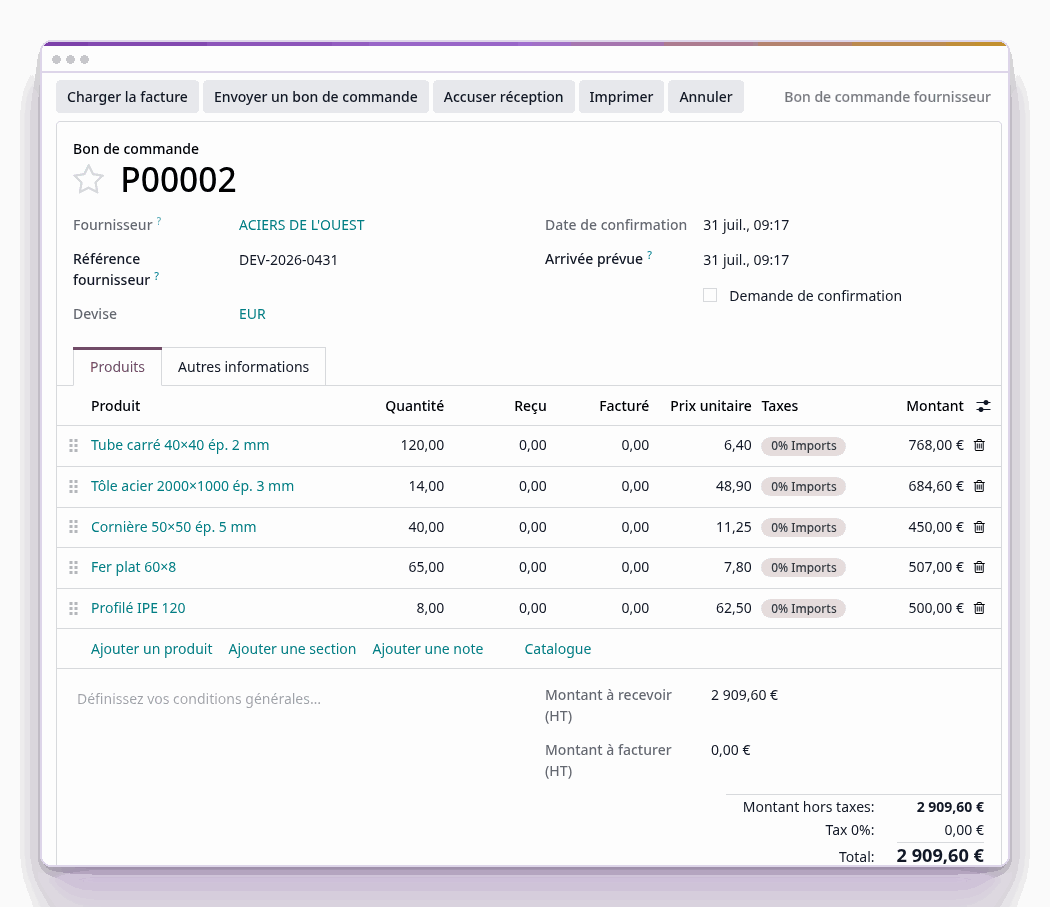
Screenshot of the product, on a demonstration data set. The amount still expected from the supplier appears below the lines, next to what is still to receive.
A typical day

Receive the offer in the morning, order before the evening
Four moments, and your validation at every write.
The offer arrives: a PDF, by e-mail or from the supplier's portal.
You drop it: the lines appear, priced, with the total read opposite the printed total.
You check: you correct what needs correcting, then you validate, and the write follows.
The request exists: comparable with the others, allocated, ready to be ordered.
The exclusive features of the Purchasing pack

Choose the reading according to the supplier
Two mechanisms, and you decide which one applies. The reading of your usual layouts runs on your instance.
Template per supplier: an exact, reproducible reading for your usual layouts.
Generic reading for a layout never seen before. It calls an external service, and you choose whether to enable it.
Proven on real offers of 76 and 39 lines, to the cent.

Check the total read, validate with full knowledge
A reading can be wrong. The pack shows you before the write.
Total read displayed opposite the document total: the gap is visible before validation.
The write follows your validation.
Follow the commitment through to the invoice
What has been committed, what is still to receive, what is still to invoice: the three amounts are read in the same place, on the order.
The amount still to invoice serves as the basis for your accruals.
The allocation set on the order is taken up at invoicing.
Cost tracking per job becomes a matter of reading.
The Odoo applications involved
The Purchasing pack enriches these Odoo applications: you keep the standard product and its updates, and the pack adds what your purchasing department requires.
- Purchasing
- Invoicing
- Analytics
Before entrusting us with your supplier PDFs
That is the usual case. Recurring layouts are read identically at every drop; layouts never seen before go through the generic reading.
For the reading of known layouts, no: everything runs on your instance. The generic reading, for its part, calls an external service, and you choose whether to enable it.
You see it at once: the total read is displayed opposite the document total, and the write waits for your validation.
With a 30 day trial on an instance set up in a few minutes. The PDF reading relies on Universal Data Tool, whose page details the matching rules.